

Ordering a server
Before ordering a server
Step-by-step: Ordering your server
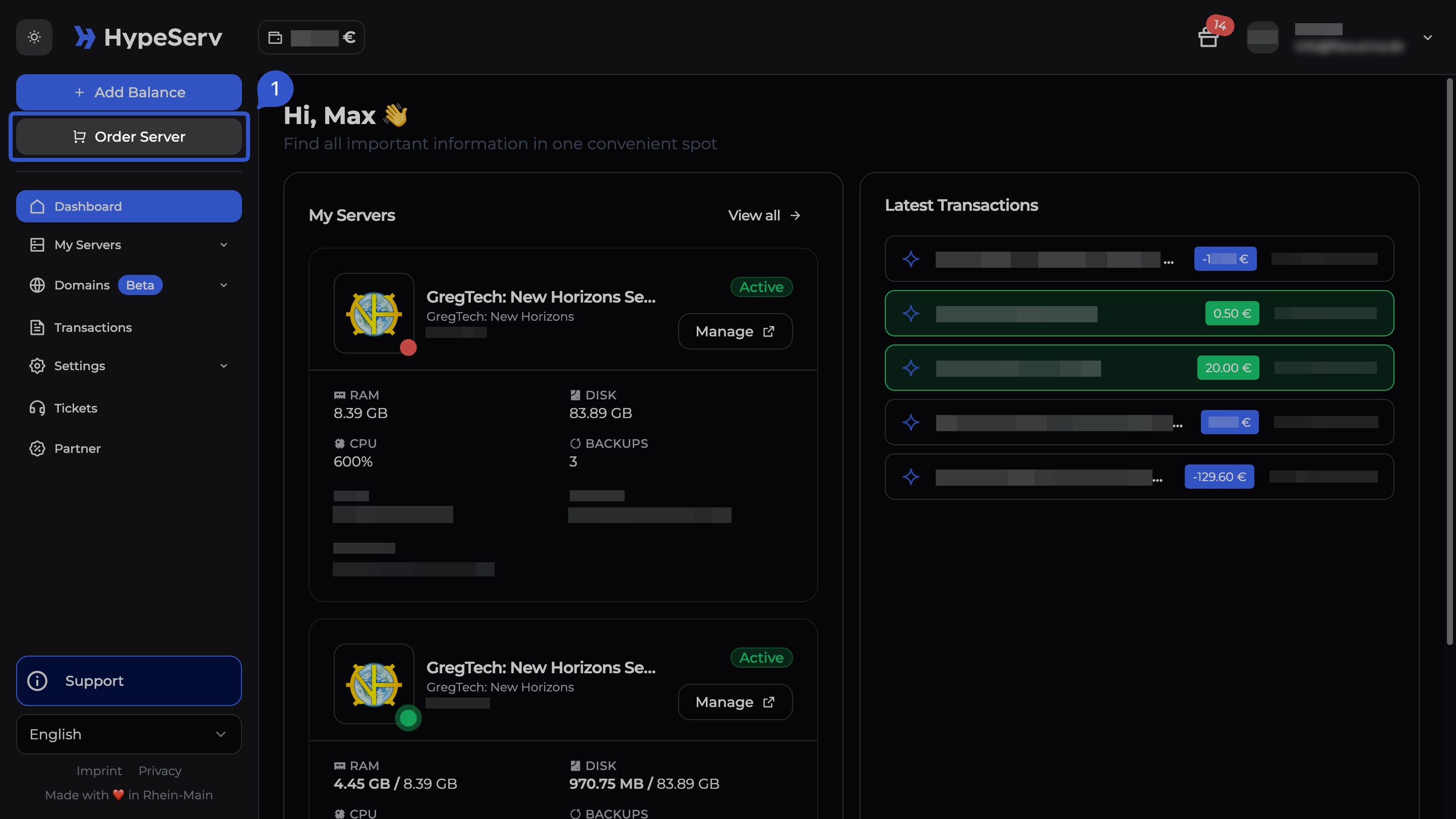
Choose your game
Go to the HypeServ website or Panel and pick the game you want to host (for example Minecraft, Valheim, or GT:NH). Each game has its own page with packages.
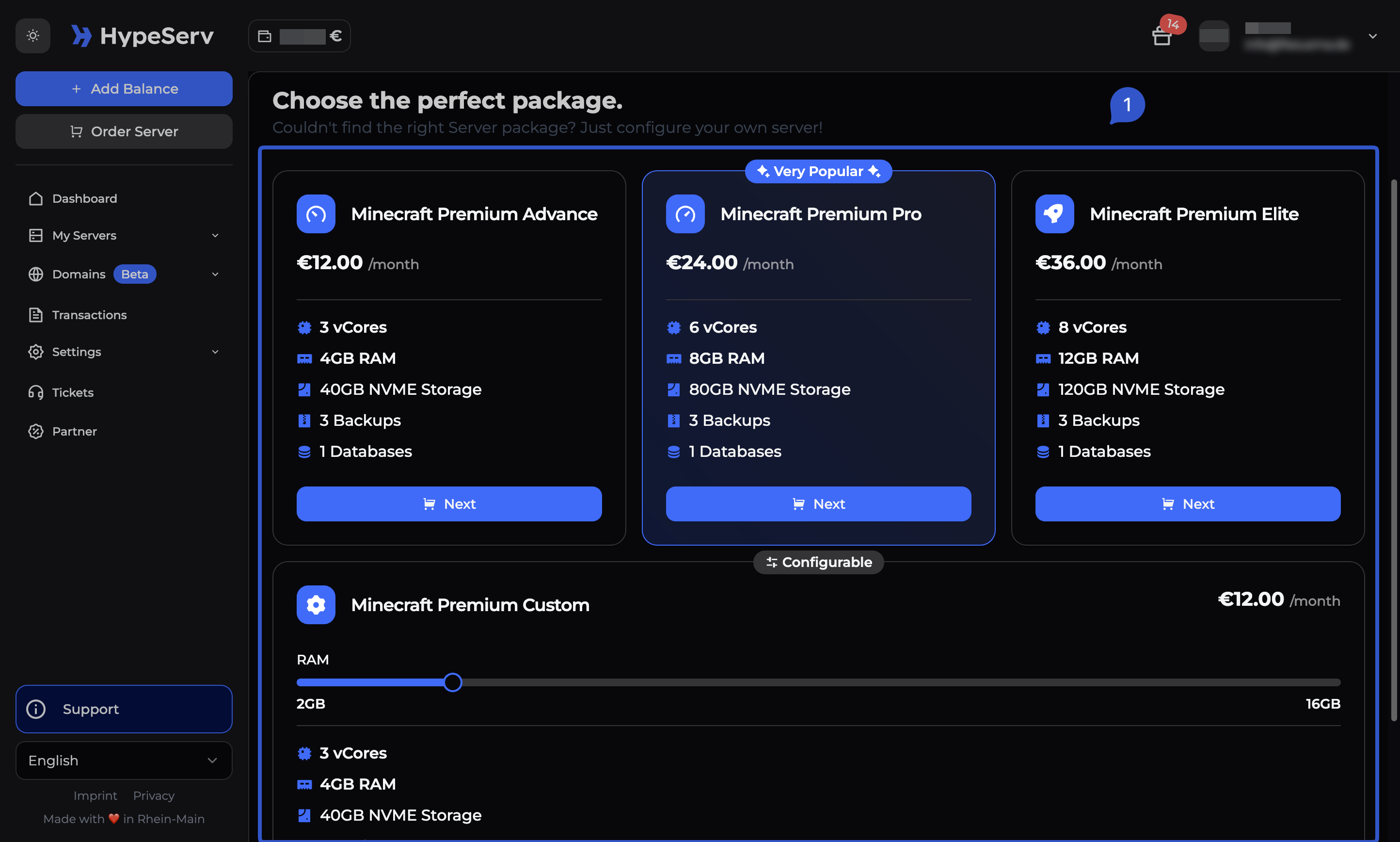
Select a package
On each games page you’ll usually be able to choose from the following:
- Three preset packages (usually
Advanced / Pro / Elite) - A Configurable “Custom” package that lets you pick RAM/resources yourself
Pick the preset that matches your needs, or choose Custom if you want to fine-tune RAM/resources.
Review and select duration
After selecting a package, you will be able to review your selected server configuration and select the duration you want to rent the server for. You can choose between 7, 30, 90 and 180 days.
Top up button.Once your account balance is sufficient, you can order immediately.
Confirm and create the server
After confirming your selection and ordering the server, you'll receive a confirmation and the server is provisioned automatically (typically within seconds/minutes, depending on the game).
Help & Migrating
If anything is unclear during ordering or after provisioning, you can always reach our helpful support team:
Help & Support